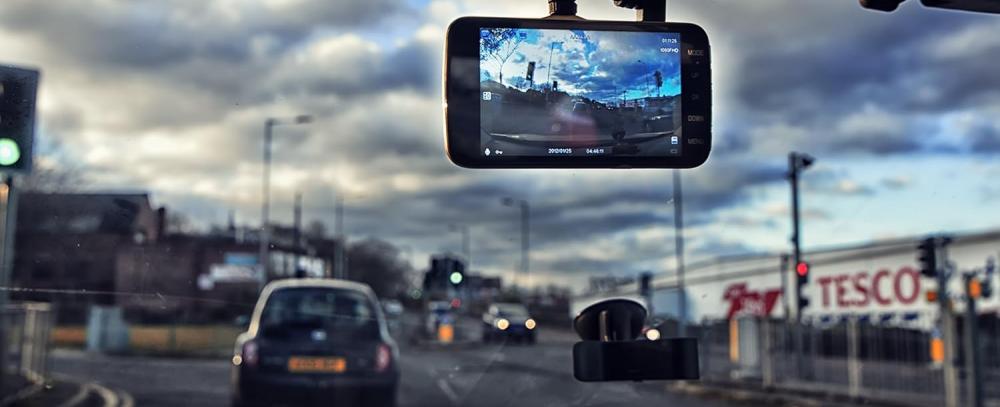
Dash cams used to be a luxury car accessory. Not anymore. Today, they are a security tool. A monitoring essential. We all spend so much time in our cars, driving from one place to another. If the unexpected happens, that little camera can save you thousands in insurance headaches.
However, simply sticking a camera to your windscreen won't do it. Recording the event is only half the battle. You need to properly store, protect, and use the data. Here's how.
How to Store Your Dash Cam Footage
Most modern dash cams record continuously in a method known as loop recording. That’s because the camera breaks your driving footage up into small, easily digestible video files (usually between one and three minutes). When the memory card is full, the camera automatically deletes the oldest unlocked files.
Choosing the Right Memory Card
Dash cams continually record and then delete the recorded data, so they need a storage option specific to their use. An SD card from a digital camera will not last due to the high volume of continuous usage of the dash cam. The best choice is a High Endurance MicroSD Card, which is designed to withstand thousands of hours of continuous read/write cycles.
Transferring Files to Long-Term Storage
If your dash cam records something of value, make sure to transfer the footage from the MicroSD card to an external storage device. Just pull the card and plug it into a laptop. You can also use the camera's built-in Wi-Fi to download it directly to your smartphone.
After you download the footage, back it up to a secure cloud service, just in case your phone or computer gets damaged or stolen.
Your Driving Record Safety
Your dash cam footage is valuable legal evidence, which means keeping it secure from corruption and cyber threats is crucial. When you are transferring large video files from your phone or laptop over public networks, you expose your device to potential security vulnerabilities.
Protecting the Digital
Many modern smart dash cams use cloud syncing and Wi-Fi connections to automatically upload incident videos. While highly convenient, sending location-tagged video files across the web requires a secure connection.
To protect your privacy and ensure your files aren't intercepted or tampered with, it is highly recommended to secure your internet connection using the best VPN. Encrypting your data traffic prevents third parties from snooping on your driving routes or accessing your stored video archives.
Protecting the Physical
Your camera also requires physical care beyond just being kept safe digitally. If you park your car in an area where it will be in direct sunlight for long periods of time, the intense summer heat will actually damage the internal components and possibly destroy the memory cards of your camera. Be sure to remove the dash cam from your vehicle when parked in direct sunlight or use a sunshade over the camera for protection.
What Should You Do After An Accident?
When you need to send your video as evidence in an unfortunate event, it's very important to handle it properly. Here's what to do immediately following an incident:
- Lock the file: Right after something happens, hit the emergency protect button on your dash cam. That way, the camera saves those important moments, and you don’t lose them to loop recording.
- Keep it unedited: Don’t trim, crop, or change the video before you hand it over. If you touch the footage, insurance companies or the police might start questioning whether it’s real.
- Include the full context: When sharing clips with your insurer, provide a few minutes of video from before and after the event to clearly demonstrate exactly how the situation developed.
Evidence Submission to Insurance Companies and the Police
Most large insurance companies have developed websites where you can upload digital video files straight to your case. If you want to report a driver who is driving dangerously to the police using your video, many local police departments have digital systems where you can upload your unedited video file, though it can vary by region.


